Microwave Troubleshooter & Repair Estimator
Enter your microwave's age and current price to see if it's worth fixing. Then, select the symptom you are experiencing to identify the likely faulty component.
Component
You press start, hear that familiar hum, and then... nothing. Or maybe you smell burning plastic, or the door won't latch. It’s frustrating when your microwave quits, especially since it’s often the most-used appliance in the kitchen. But here’s the good news: microwaves are surprisingly simple machines compared to ovens or dishwashers. They don’t have complex motors, pumps, or intricate electronics boards (usually). Most failures boil down to just three or four specific parts.
If you’re trying to figure out whether to fix it or toss it, you need to know what actually breaks. Is it the $5 part everyone blames first, or the $100 component that kills the unit? Let’s break down exactly what usually goes out on a microwave, why it happens, and how to spot the culprit before you call a technician.
The High Voltage Capacitor: The Silent Killer
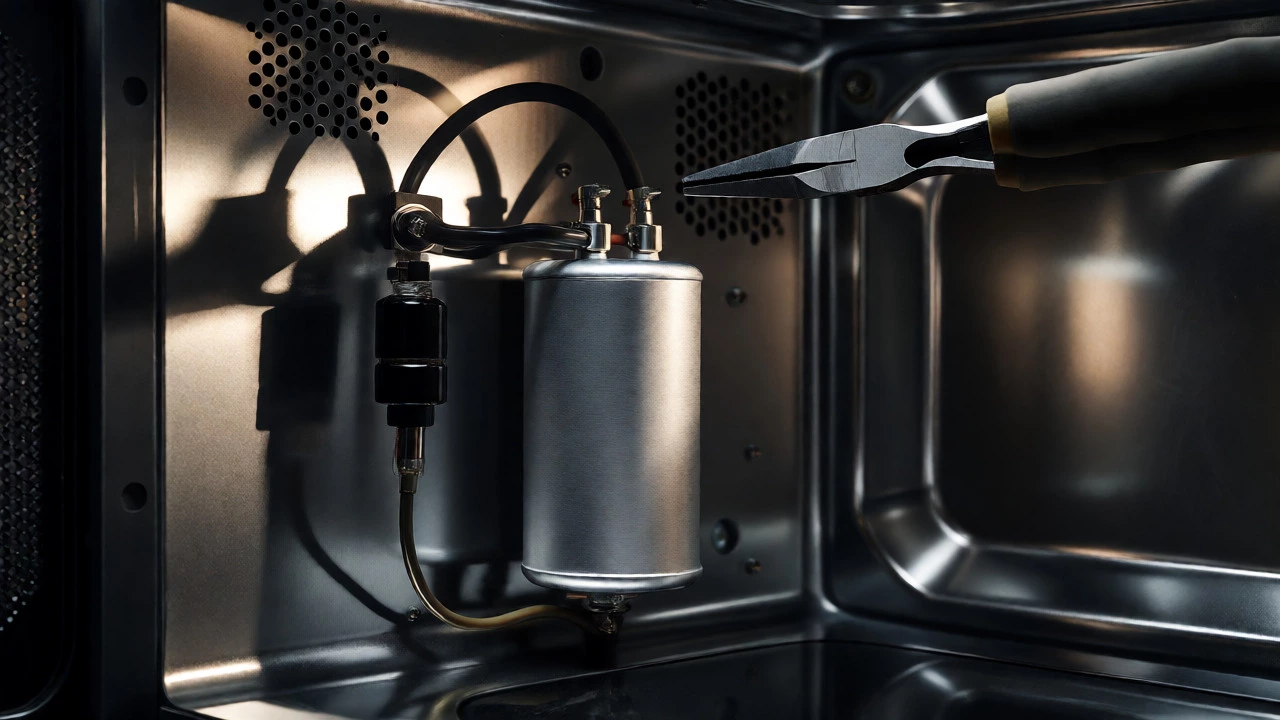
Before we talk about repairs, we have to talk about safety. If there is one thing you must understand about microwave repair, it’s this: the high voltage capacitor can hold a lethal charge even when the machine is unplugged. Unlike standard capacitors in other electronics, these store enough energy to deliver a shock that can stop your heart. Always discharge it properly before touching anything inside.
Why does it fail? The capacitor works alongside the transformer to convert household AC power into the high-voltage DC needed to drive the magnetron. Over time, heat cycles degrade the internal dielectric material. When a capacitor fails, it usually doesn’t just "stop working." It shorts out. This creates a massive surge of current that blows the main fuse instantly. So, if your microwave is completely dead-no lights, no fan, no display-the capacitor is often the root cause, not the fuse itself. Replacing just the fuse will only result in another blown fuse within seconds.
The Magnetron: The Heart That Stops Beating
If your microwave runs but doesn’t heat food, look at the magnetron, which is the vacuum tube that generates the microwaves themselves. This is the most expensive part to replace, often costing more than half the price of a new mid-range microwave. So, is it worth fixing?
Magnetrons rarely fail suddenly without warning. You’ll usually notice a gradual decline in heating efficiency. A cup of coffee takes two minutes instead of one. Then, you might hear a loud humming or buzzing noise as it struggles. Eventually, it burns out completely. The filament inside the tube snaps, or the magnets lose their strength due to overheating. Running an empty microwave for too long is a common killer here. Without water molecules to absorb the energy, the waves bounce back into the magnetron, causing it to overheat and self-destruct.
The Diode Rectifier: The One-Way Street
Sitting next to the capacitor is the high voltage diode, a small cylindrical component with a wire sticking out. Its job is simple: it converts alternating current (AC) into direct current (DC). Think of it as a check valve for electricity-it lets current flow one way but blocks it from flowing backward.
When a diode fails, it typically shorts internally. This causes the circuit to behave erratically. Symptoms include sparking inside the cavity, the microwave running but not heating, or the breaker tripping in your house panel. Because the diode is cheap (often under $10), it’s the first logical step after checking the fuse. However, testing it requires a multimeter set to resistance mode. A good diode should show low resistance in one direction and infinite resistance in the other. If it shows continuity both ways, it’s dead.
The Door Switches: The Safety Interlocks
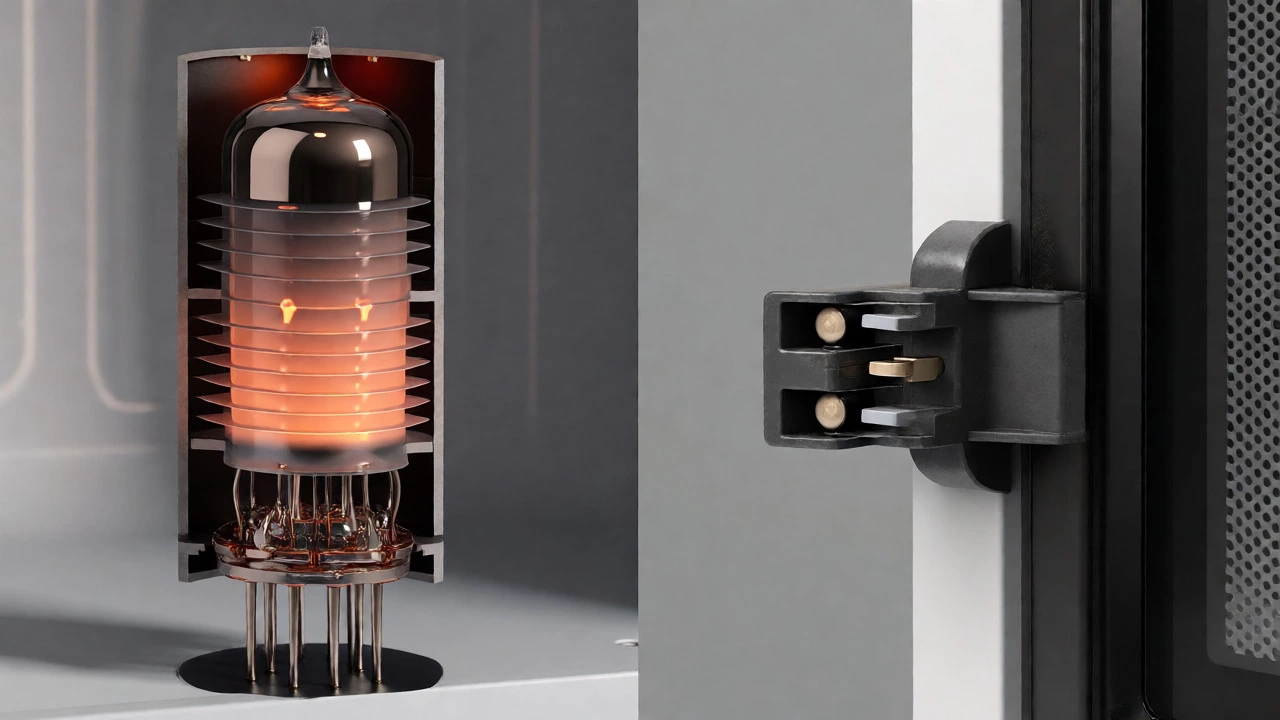
Your microwave has three distinct switches located behind the door handle assembly. These aren’t just for turning the light on; they are critical safety interlocks. Two are primary switches that cut power to the magnetron if the door opens, and one is a monitor switch that prevents the unit from starting if the door isn’t fully latched.
These switches fail frequently because they are mechanical components subjected to constant stress. Every time you slam the door, you’re putting pressure on the plastic tabs that trigger these micro-switches. If the door doesn’t close perfectly, or if the latch mechanism is worn, the switches won’t engage. The result? The microwave seems dead, or it starts but stops immediately when you open the door slightly. Sometimes, a broken switch causes arcing inside the oven because the magnetron fires while the door is technically "open" according to the circuit logic.
The Control Panel and Touchpad
In modern microwaves, the interface is either a touchpad membrane or a rotary knob with digital controls. The touchpad membrane is a flexible plastic sheet with conductive traces that register your button presses. Grease, steam, and age take their toll here. The adhesive degrades, or the conductive ink wears off, leading to unresponsive buttons or random inputs (like the microwave starting by itself).
Replacing a touchpad is tricky because it involves removing screws hidden under labels and carefully disconnecting ribbon cables. If your display flickers or buttons work intermittently, cleaning the contacts with isopropyl alcohol might help temporarily, but replacement is usually the permanent fix. For older models with physical push-buttons, the issue is often just dirt accumulation preventing the switch from making contact.
| Component | Primary Symptom | Average Cost (Part) | Repair Difficulty |
|---|---|---|---|
| Main Fuse | Unit is completely dead; no lights or sounds. | $2 - $5 | Easy |
| High Voltage Diode | Sparking, non-heating, or breaker trips. | $5 - $15 | Moderate |
| Door Switches | Intermittent operation, arcing, or unit won't start. | $10 - $25 | Moderate |
| Touchpad Membrane | Unresponsive buttons, random starts, flickering display. | $30 - $60 | Hard |
| Magnetron | Loud humming, gradual loss of heat, eventual silence. | $50 - $150+ | Expert |
| High Voltage Capacitor | Blown fuse, short circuit, dangerous shock risk. | $10 - $30 | Expert (Safety Critical) |
Is It Worth Fixing Your Microwave?
This is the million-dollar question. Microwaves are commodity items. You can buy a basic model for $80-$120. Here’s a simple rule of thumb: if the repair cost (parts + labor) exceeds 50% of the price of a new unit, replace it. For DIYers, the threshold is lower because labor is free, but consider the hassle.
Replace the microwave if:
- The magnetron has failed (part cost is too high relative to value).
- The cabinet is rusted through or heavily corroded.
- The control board is fried (rare, but expensive).
- The unit is more than 7-10 years old.
Fix the microwave if:
- It’s a high-end built-in model costing $500+.
- The problem is a simple fuse or diode ($5-$15 fix).
- The door switches are faulty ($15 fix).
- You enjoy tinkering and want to learn.
Troubleshooting Steps Before Opening the Case
Don’t grab a screwdriver yet. Try these external checks first:
- Check the Power Source: Plug a lamp into the outlet to ensure it’s live. Check your home’s GFCI outlets or circuit breaker box.
- Inspect the Door Seal: Look for cracks or food debris in the gasket. A poor seal causes leakage, which can damage internal components over time.
- Clean the Ventilation: Blocked vents cause overheating. Clean the exterior grille and ensure there’s space around the unit for airflow.
- Reset the Unit: Unplug the microwave for 60 seconds. This resets the electronic control board, similar to restarting a computer.
Can I run a microwave empty?
Generally, no. Running a microwave empty can damage the magnetron. The microwaves have nowhere to go (no water molecules to absorb them) and reflect back into the source, causing it to overheat. Some newer models have sensors that prevent this, but it’s safer to always place a glass of water inside if you’re testing it.
How do I know if my microwave fuse is blown?
If your microwave is completely dead (no display, no lights, no fan sound) when plugged into a working outlet, the fuse is likely blown. You can confirm this by opening the case (after discharging the capacitor!) and using a multimeter to test for continuity across the fuse. If there is no continuity, the fuse is broken.
Why is my microwave sparking?
Sparking is usually caused by metal objects inside, damaged waveguide covers, or burnt food residue on the interior walls. If there’s no metal inside, check the mica plate (waveguide cover) near the top right of the cavity. If it’s dirty or burnt, it can arc. Cleaning or replacing this thin sheet often solves the issue.
Is it safe to repair a microwave myself?
Yes, but with extreme caution regarding the high voltage capacitor. Even when unplugged, it can retain a charge of thousands of volts. You must use an insulated tool to short the terminals to ground before touching any internal components. If you are uncomfortable with this step, hire a professional.
How long do microwaves typically last?
The average lifespan of a microwave is 7 to 10 years. Heavy daily use, frequent overheating, or running it empty can shorten this significantly. Built-in models may last longer due to better ventilation and build quality, while compact countertop units often fail sooner due to thermal stress.