
Laptop Repair Security Checklist
Your Security Status:
Preparation Steps
You just dropped your coffee on your keyboard, or maybe the screen went black for no reason. The immediate thought is usually the same: find a shop that can fix it. But then comes the hesitation. You’ve heard stories about technicians stealing data, installing malware, or even swapping out parts. Is handing over your personal device really safe? The short answer is: it depends entirely on who you trust with your digital life.
Taking a laptop to a repair shop involves two distinct risks: physical damage during the repair process and digital compromise of your sensitive information. While most reputable technicians are honest professionals, the barrier to entry in the tech repair industry varies wildly. Understanding these risks allows you to make an informed decision rather than guessing if your chosen shop is trustworthy.
The Data Privacy Reality Check
The biggest fear isn’t that your laptop will come back broken; it’s that it will come back compromised. When you hand over your device, you are giving someone access to your emails, banking details, photos, and work documents. If your computer is not encrypted, a technician could theoretically copy everything on your hard drive in minutes.
This risk is higher than you might think. In many jurisdictions, there is little regulation governing what a third-party technician can do with your data once they have physical possession of the device. While professional ethics dictate confidentiality, enforcement is rare. A study by cybersecurity firms has repeatedly shown that unencrypted devices left in public places or repair shops are prime targets for data theft. The solution isn’t necessarily avoiding repair shops, but rather ensuring your data is inaccessible before you walk out the door.
Physical Risks: Parts Swapping and Mishandling
Beyond data, there is the physical integrity of your machine. Some unethical operators have been known to swap high-value components-like RAM sticks or SSDs-with older, cheaper versions. This is more common in unauthorized "mom-and-pop" shops than established chains, but it happens everywhere. Another risk is improper handling. A technician rushing through jobs might crack a screen while replacing a battery or strip screws from your chassis.
To mitigate this, always document the condition of your laptop before dropping it off. Take photos of the serial number, any existing scratches, and the specific error messages you are seeing. Ask for a detailed estimate that lists exactly which parts will be replaced. Reputable shops will often return your old, broken parts as proof they didn’t steal them.
How to Secure Your Data Before the Drop-Off
If you decide to take your laptop to a repair shop, preparation is your best defense. You don’t need to be a cybersecurity expert to protect yourself. Here are the essential steps to take before leaving your home:
- Back up everything: Copy all important files to an external hard drive or cloud storage service like Google Drive or Dropbox. Assume the worst-case scenario: that your laptop will be wiped or lost.
- Enable Full Disk Encryption: If you use Windows, ensure BitLocker is turned on. For Mac users, FileVault should be enabled. This encrypts your entire drive, meaning even if someone removes the hard drive and plugs it into another computer, they cannot read the data without your password.
- Create a separate user account: Set up a generic user profile (e.g., "Repair Tech") with limited permissions. Log out of your main account. This prevents the technician from accessing your personal files while still allowing them to diagnose hardware issues.
- Remove sensitive accounts: Sign out of banking apps, email clients, and social media. Remove saved passwords from your browser.
- Disable remote tracking features: Temporarily disable "Find My Device" or "Find My iPhone" if possible, so the technician doesn’t trigger security alerts that lock the device further.

Choosing the Right Repair Provider
Not all repair options are created equal. Your choice significantly impacts the safety of your device. Here is how different types of providers compare:
| Provider Type | Safety Level | Cost | Best For |
|---|---|---|---|
| Manufacturer Authorized Service Center | High | High | Warranty claims, complex motherboard repairs |
| Independent Local Repair Shop | Medium | Medium | Screen replacements, battery swaps, quick fixes |
| Mail-In Repair Services | Low-Medium | Low | Non-urgent, non-sensitive devices |
| DIY Repair (iFixit guides) | High (Data-wise) | Low | Simple hardware swaps, tech-savvy users |
Authorized service centers employ trained staff who follow strict protocols regarding data privacy and part authenticity. They are the safest bet for devices under warranty. Independent shops vary greatly in quality. Look for reviews that specifically mention honesty and transparency. Avoid shops that pressure you into immediate repairs without a diagnostic fee.
When to Consider DIY Repair Instead
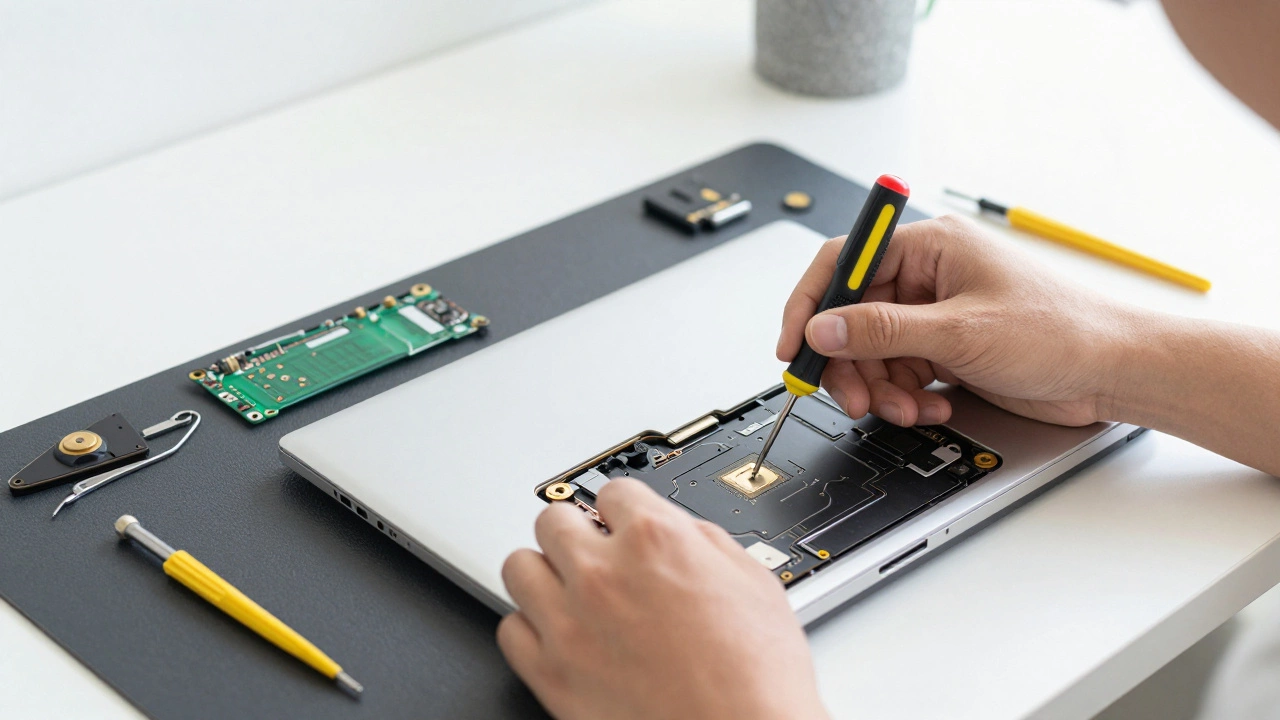
If privacy is your top concern, doing it yourself eliminates the human element entirely. Many modern laptops are designed to be user-serviceable. Companies like iFixit provide detailed, step-by-step guides for thousands of models. If your issue is a swollen battery, a cracked screen, or a dusty fan, these are relatively straightforward tasks.
The downside is the risk of voiding your warranty or causing accidental damage if you’re not careful. However, for simple component replacements, the peace of mind knowing no one else touched your data is worth the extra effort. Always purchase genuine or high-quality third-party parts from reputable suppliers.
Red Flags to Watch Out For
Before you hand over your laptop, watch for these warning signs that a shop might not be trustworthy:
- No written estimate: Verbal quotes are easy to change later. Insist on a written breakdown of labor and parts costs.
- Refusal to explain the problem: A good technician will show you what’s wrong. If they insist on fixing it blind, walk away.
- Pressure tactics: Being told your laptop is "unfixable" unless you buy a new one from them is a major red flag.
- Lack of online presence: Shops with no reviews, website, or social media footprint are harder to hold accountable.
- Unwillingness to let you keep old parts: Legitimate repairs should allow you to take your broken components home.
What to Do After the Repair
Once your laptop is back, don’t just assume everything is fine. Perform a few checks to ensure your security hasn’t been compromised:
- Check for unfamiliar software: Look through your installed applications list for anything you didn’t install.
- Run a full antivirus scan: Use a trusted tool like Malwarebytes or Windows Defender to scan for hidden threats.
- Review startup programs: Ensure no suspicious programs are set to run when you boot up.
- Change your passwords: As a precaution, update critical passwords for email, banking, and social media.
- Verify system performance: Run benchmarks or speed tests to ensure the replacement parts are functioning correctly.
Taking your laptop to a repair shop doesn’t have to be a gamble. By taking proactive steps to secure your data, choosing a reputable provider, and verifying the work afterward, you can minimize risks significantly. Remember, your digital privacy is just as important as the physical health of your device.
Should I wipe my laptop before taking it to a repair shop?
You don't necessarily need to wipe the entire drive, which can sometimes complicate diagnostics. Instead, enable full disk encryption (BitLocker for Windows, FileVault for Mac) and create a separate, limited user account for the technician. This protects your data while allowing them to test the hardware.
Can a repair shop install malware on my laptop?
Yes, it is technically possible for an unethical technician to install keyloggers or other malicious software. This is why using encryption and checking for unfamiliar software after the repair is crucial. Reputable shops have background-checked employees and strict policies against such actions.
Is it safer to mail my laptop for repair?
Mailing your laptop introduces shipping risks, including loss or damage in transit. While some mail-in services are legitimate, you lose control over who handles your device. Local repair shops allow you to vet the facility and maintain a direct line of communication, generally making them a safer option for privacy-conscious users.
How can I tell if a repair shop is reputable?
Look for shops with verified customer reviews, clear pricing structures, and certified technicians. Ask if they are authorized service partners for your laptop brand. A transparent shop will welcome questions about their process and provide written estimates.
Will taking my laptop to a third-party repair shop void the warranty?
In many regions, consumer protection laws prevent manufacturers from voiding warranties simply because you used a third-party repair shop, provided the repair didn't cause additional damage. However, if the repair leads to further issues, the manufacturer may deny coverage for those specific problems. Always check your warranty terms first.