Dishwasher Reset Guide & Troubleshooter
Universal Hard Reset Method
Works for most models when you can't find the manual or have an older unit without digital displays.
Go to electrical panel and flip the switch labeled "Dishwasher" or "Kitchen". Wait at least 60 seconds.
While power is off, hold the Start or Cancel button for 10–15 seconds to drain static electricity.
Flip the breaker back on. Lights should flash briefly as the system boots up.
Choose a standard wash cycle and press Start. If it begins filling and heating, you're good to go.
Brand-Specific Reset Procedures
Select your dishwasher brand below to see the specific reset method:
Bosch
Common codes: E15, E24
Whirlpool/KitchenAid/Maytag
Common codes: F9E1, F0E2
Samsung
Common codes: 5E, 2E
LG
Common codes: OE, LE
Frigidaire/Galanz
Common codes: F01, F02
Miele
Common codes: 4.10, 4.20
Quick Diagnostic Tool
Answer these questions to get tailored advice for your issue:
Recommendations
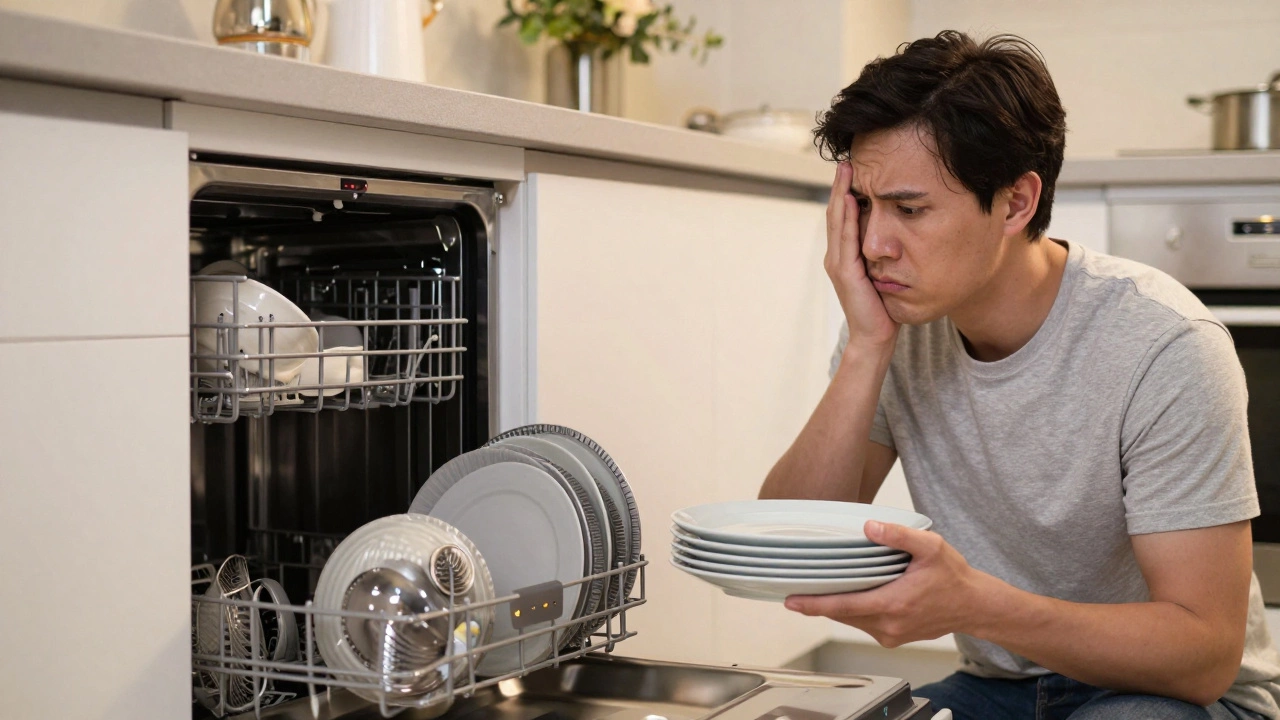
Nothing kills the mood of a post-dinner cleanup faster than a dishwasher that refuses to start. You load the plates, press the button, and... nothing. Or worse, it starts beeping at you like an angry robot. Before you call a technician or panic about buying a new machine, there is one simple step most people skip: resetting the unit.
A reset isn't just about turning it off and on again. It’s about clearing the logic board’s memory, forcing the sensors to recalibrate, and often fixing minor glitches caused by power surges or interrupted cycles. In many cases, this five-minute fix saves you hundreds of dollars in service calls. Let’s walk through exactly how to do it for every major brand, what to do if that doesn’t work, and when you actually need a pro.
The Universal Hard Reset Method
If your dishwasher model is older, lacks a digital display, or you can’t find the manual right now, start with the universal hard reset. This method works because it completely cuts power to the control board, allowing capacitors to discharge and the internal computer to reboot from scratch.
- Turn off the circuit breaker. Don’t just unplug the machine (most are hardwired). Go to your home’s electrical panel and flip the switch labeled "Dishwasher" or "Kitchen." If you don’t have labels, turn off the main kitchen breaker. Wait at least 60 seconds. This pause is crucial; it ensures the electronic components fully drain their residual charge.
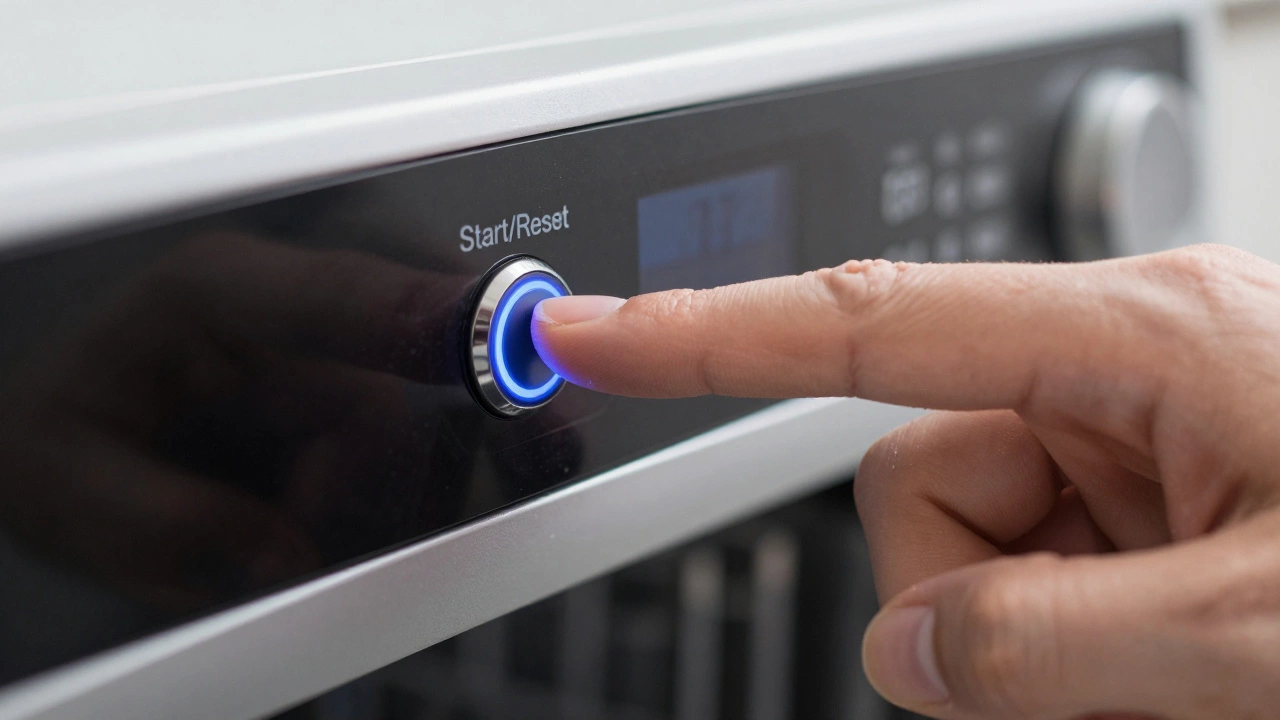
- Press and hold the Start/Reset button. While the power is still off, press and hold the Start or Cancel button for 10-15 seconds. This drains any remaining static electricity from the control panel.
- Restore power. Flip the breaker back on. The lights should flash briefly as the system boots up.
- Select a cycle. Choose a standard wash cycle and press Start. If the dishwasher begins filling and heating, you’re good to go.
This approach fixes roughly 70% of common issues, including frozen screens, unresponsive buttons, and random mid-cycle shutdowns. If your dishwasher has a digital display showing an error code, note it down before you reset. The code will likely clear, but knowing what it was helps if the problem returns.
Brand-Specific Reset Procedures
Newer dishwashers use proprietary software, so a simple power cut might not clear specific error states. Here is how to reset the most popular brands found in homes today.
| Brand | Reset Method | Common Error Codes Cleared |
|---|---|---|
| Bosch | Press and hold Start/Reset for 3-5 seconds until the display blinks. For some models, select Rinse Only then hold Start. | E15 (Water leak), E24 (Drain issue) |
| Whirlpool/KitchenAid/Maytag | Press Cancel twice quickly, then press Heated Dry. Alternatively, hold Start for 3 seconds. | F9E1 (Door latch), F0E2 (Control lock) |
| Samsung | Press and hold Power and Delay End simultaneously for 3-5 seconds. Some models require holding Auto Cycle. | 5E (Water level), 2E (Temperature) |
| LG | Press and hold Prewash and Rinse Hold for 3 seconds. On newer SmartWi-Fi models, use the LG ThinQ app to perform a factory reset. | OE (Drain timeout), LE (Leak detected) |
| Frigidaire/Galanz | Press Cancel for 3 seconds. If that fails, turn off power at the breaker for 1 minute. | F01 (Main control), F02 (Display) |
| Miele | Hold the Programme button while turning the dial to Off, then turn it back to your desired program. | 4.10 (Water supply), 4.20 (Drainage) |
Notice the pattern? Most resets involve holding two buttons or a specific key combination for 3-5 seconds. This signals the microcontroller to ignore current inputs and return to its default state. If your brand isn’t listed here, check the user manual for "Control Lock" or "Child Lock" instructions-sometimes a reset is just unlocking the keypad.
Why Did My Dishwasher Need a Reset?
Understanding the cause prevents future headaches. Dishwashers are essentially computers with plumbing attached. They rely on sensors to detect water temperature, fill levels, and drainage pressure. When these sensors send conflicting data, the brain locks up to prevent damage (like flooding your kitchen).
- Power Surges: Even a minor fluctuation from the grid can corrupt the temporary memory of the control board. This is why storms often trigger dishwasher errors.
- Interrupted Cycles: If you opened the door during a high-pressure spray phase, the safety interlock may have triggered a fault state that requires a manual clear.
- Child Lock Activation: Many modern units have a feature that disables buttons after a certain time. Users often mistake this for a malfunction.
- Sensor Glitches: Mineral buildup from hard water can coat flow sensors, causing them to misread water levels. A reset clears the error, but cleaning the filter addresses the root cause.
In Dunedin, where we deal with variable water pressure and occasional hard water deposits, sensor errors are surprisingly common. A quick rinse of the filter under the sink tap often solves the underlying issue better than a software reset alone.
Troubleshooting: What If the Reset Doesn’t Work?
If you’ve performed the correct reset procedure and the dishwasher still won’t start, leaks, or displays an error, the problem is likely mechanical or electrical. Follow this diagnostic path before calling a repair technician.
Check the Door Latch
Dishwashers will not run if they don’t sense the door is securely closed. Inspect the latch mechanism for broken plastic tabs or debris. Push firmly on the door near the latch area-if it clicks and the light turns on, the latch was simply loose. If the latch is broken, you’ll need a replacement part, which usually costs less than $30 and takes 10 minutes to install.
Inspect the Filter and Drain Hose
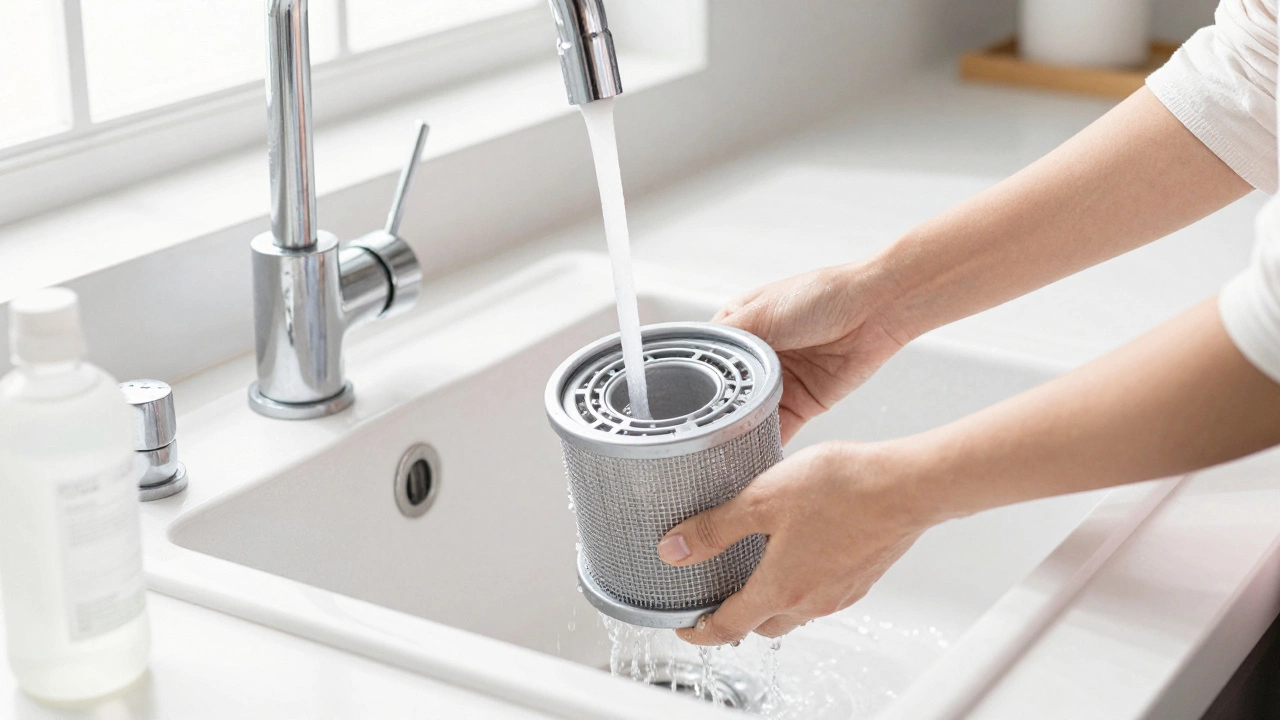
A clogged filter is the #1 cause of poor cleaning and drainage errors. Remove the bottom rack, twist out the cylindrical filter, and rinse it under warm water. Check the drain hose for kinks or blockages. If the hose connects to a garbage disposal, ensure the air gap or check valve isn’t clogged with food particles.
Test the Water Supply
If the tub isn’t filling, verify that the hot water tap in the kitchen is working. Then, check the inlet valve screen for sediment. Turn off the water supply, disconnect the line at the back of the dishwasher, and clean the tiny mesh screen inside the valve. Sediment buildup here restricts flow, triggering low-water error codes.
Listen for the Pump
During the drain phase, place your ear near the bottom of the unit. You should hear a humming sound from the drain pump. If you hear nothing, the pump motor may have burned out. If you hear a loud grinding noise, a foreign object (like a glass shard or bone) is stuck in the impeller. Do not force it; call a professional.
When to Call a Professional
While resets and basic troubleshooting solve most issues, some problems require specialized tools and expertise. Contact a licensed appliance repair technician if:
- The dishwasher leaks from the bottom even after checking hoses and filters.
- You smell burning insulation or see smoke from the control panel.
- Error codes persist after multiple resets and filter cleanings.
- The unit makes unusual banging or screeching noises during operation.
- The heating element shows visible cracks or corrosion.
In New Zealand, standard appliance repair rates vary, but expect to pay between $80-$120 for a call-out fee plus parts. Always ask for a written quote before authorizing major repairs like control board replacements or motor swaps. If your dishwasher is over 10 years old and needs a major component replaced, it may be more cost-effective to upgrade to a newer, energy-efficient model.
Preventive Maintenance Tips
Extend the life of your dishwasher with these simple habits:
- Clean the filter monthly. Set a reminder on your phone. It takes 30 seconds and prevents 90% of drainage issues.
- Run a vinegar cycle quarterly. Place a cup of white vinegar on the top rack and run a hot wash cycle without dishes. This dissolves mineral buildup and deodorizes the interior.
- Scrape, don’t rinse. Modern detergents are designed to cling to food particles. Pre-rinsing wastes water and reduces cleaning efficiency. Just scrape off large chunks.
- Leave the door ajar. After each cycle, prop the door open slightly to let moisture escape. This prevents mold growth and keeps seals fresh.
Can I reset my dishwasher by unplugging it?
Most built-in dishwashers are hardwired into your home's electrical system and cannot be unplugged. For these units, you must turn off the circuit breaker at your electrical panel. If your dishwasher has a plug behind the kickplate, you can unplug it, but wait at least 60 seconds before plugging it back in to allow the capacitors to discharge fully.
Why does my dishwasher keep resetting itself?
If your dishwasher repeatedly shuts off or reboots, it could indicate a failing control board, a loose wiring connection, or a persistent sensor error. Check for water leaks near the base, as moisture can short-circuit the electronics. If no leaks are present, the main control board may need replacement.
Does resetting the dishwasher delete my custom settings?
A standard reset (power cycle or button hold) typically does not erase custom settings like delay start times or soil level preferences. However, a full factory reset via the manufacturer's app or specific button sequence may restore all settings to default. Check your user manual to distinguish between a "soft reset" and a "factory reset."
What does it mean if my dishwasher beeps but won't start?
Beeping without starting usually indicates a door latch issue, a child lock activation, or a safety error. First, ensure the door is firmly closed. Second, check if the control panel is locked (look for a lock icon). Third, perform a hard reset by turning off the power at the breaker for 60 seconds. If the beeping continues, consult your manual for the specific beep pattern's meaning.
How long should I wait after resetting the dishwasher?
After cutting power, wait at least 60 seconds before restoring it. This allows the internal capacitors to fully discharge. Once power is restored, give the control board another 10-15 seconds to boot up before pressing any buttons. Rushing this process can sometimes cause the system to hang again.
Can a reset fix a leaking dishwasher?
No. A reset only clears electronic errors. Leaks are physical issues caused by cracked hoses, worn door gaskets, loose connections, or clogged drains. If your dishwasher is leaking, turn off the water supply immediately and inspect the visible components. A reset will not stop water from flowing.
My dishwasher shows an error code after resetting. What should I do?
If an error code returns immediately after a reset, the underlying problem hasn't been fixed. Note the code and search for it online along with your model number. Common codes relate to water inlet (check supply valve), drainage (check filter/hose), or temperature (check heater). Persistent codes usually require part replacement.